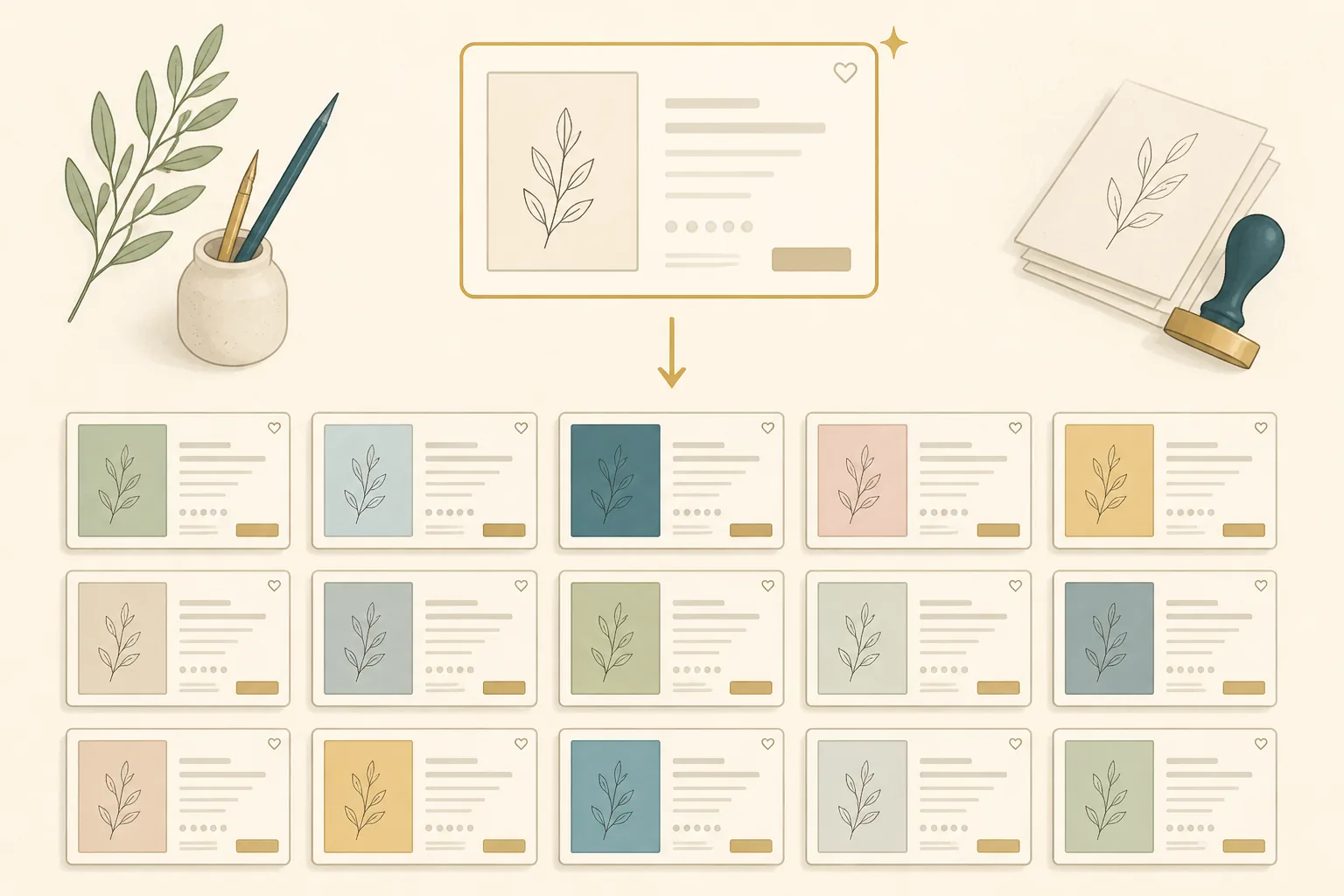
Most Etsy sellers rebuild the same listing from scratch every single time. They retype the file-spec line, rewrite the license paragraph, re-pick the same format tags, and re-set the same attributes, then wonder why publishing 30 products takes a week. The work that actually matters (the product-specific keywords) gets the least attention because the repetitive scaffolding ate all the time.
Etsy listing template automation fixes that. You build the scaffolding once as a reusable template, then automation applies it across many products so each new listing starts as a fill-in form, not a blank page. This guide covers what belongs in a template, how to structure each part, and how to apply it at volume without turning your shop into a wall of duplicates. It’s written for digital sellers (wall art, clipart, posters, greeting cards) who publish in volume and are tired of the per-listing grind.
Why a template beats starting from scratch
A blank Etsy listing has roughly a dozen fields, and for a digital seller, most of them are identical across your whole catalog. Your file specifications don’t change. Your license terms don’t change. Your “what you’ll receive” block doesn’t change. Your digital-download attributes don’t change. The only fields that genuinely differ per product are the title, the product-specific tags, the opening hook, and the images.
When you start from scratch, you spend your energy on the 80% that’s always the same and rush the 20% that determines whether the listing ranks. A template inverts that. It locks down the repeated parts so your attention goes where it pays: the keyword-bearing fields.
There’s a second, quieter benefit. A template enforces consistency, and consistency is itself a quality signal. When every listing carries the same clear delivery instructions, the same license wording, and the same predictable structure, buyers trust the shop more and support questions drop. The sellers who look most professional aren’t writing each listing more carefully. They’re reusing one carefully-written format every time.
This is different from Etsy’s built-in copy listing feature, which duplicates an entire listing (title and tags included) and forces you to overwrite the old keywords. Copy-and-overwrite is how stray keywords from the wrong product end up in your tags. A real template separates fixed structure from variable fields by design, so you fill in blanks instead of cleaning up a clone.
The anatomy of a reusable Etsy listing template
A complete reusable Etsy listing template has five parts. Build each one once.
1. The title formula
Don’t template a title. Template the formula. A title formula is a fixed slot order with variable keyword fields:
[Primary buyer keyword] | [Product type] | [Style/attribute] | [Format]In practice that fills out as: Pampas Grass Wall Art | Boho Printable | Neutral Living Room Decor | Digital Download. The format (slot order, separators, the fixed “Digital Download” tail) is reusable. The keyword in each slot changes per product. This keeps every title consistent in shape while the algorithm still reads a unique primary phrase per listing.
Keep titles under Etsy’s 140-character limit and front-load the buyer’s exact search phrase. For the full title mechanics, see the Etsy SEO guide.
2. The description blocks
This is where templating pays the most. A digital-product description breaks into blocks that are either fixed or variable:
| Block | Fixed or variable | What it holds |
|---|---|---|
| Opening hook | Variable | One or two product-specific sentences with the keyword |
| What you’ll receive | Fixed | File formats, resolution, ratios, count |
| File specifications | Fixed | 300 DPI, color profile, dimensions |
| How to download & print | Fixed | Step-by-step delivery instructions |
| License & usage terms | Fixed | Personal-use terms, no resale of files |
| Shop policies & support | Fixed | Returns stance on digital goods, contact |
Only the opening hook changes per product. Everything below it is written once and reused verbatim. That’s roughly five paragraphs you never retype.
3. The tag set
Etsy gives every listing 13 tags, each an independent ranking opportunity and each capped at 20 characters. A template tag set fixes the slots that are always the same and leaves the rest open:
- Fixed (4 to 6 slots): format and category tags that apply to your whole catalog. For a wall-art shop:
digital download,instant download,printable wall art,boho wall decor. - Variable (7 to 9 slots): the product-specific long-tail phrases that match how buyers search for this item:
pampas grass print,neutral living room art,beige boho poster.
The fixed slots cost you no thought per listing. The variable slots are where the per-product SEO work happens. Need help filling them quickly? The free Etsy tag generator produces long-tail tag ideas from a seed phrase.
4. The attribute & category presets
Etsy attributes (digital download, primary color, orientation, room, holiday) and the listing category are the most ignored part of any template, and they feed Etsy’s filtered search. For a digital shop, most attributes are constant: the listing type is always digital, the file is always an instant download. Preset those once. Leave only the genuinely product-specific attributes (primary color, room, occasion) as fields you set per listing.
5. The file-delivery structure
For digital products, a consistent delivery structure is part of the template too: the same folder naming, the same ratio set (for example 2:3, 3:4, 4:5, ISO, 11:14), the same readme or print-guide PDF bundled with every product. When delivery is templated, every buyer gets the same predictable package and you never assemble a download bundle from memory again.
This part of the template also doubles as SEO fuel. Digital buyers search for specifications, so the ratios and formats you standardize here (300 DPI, instant download, the exact print sizes) are the same phrases that belong in your fixed description blocks and format tags. Templating delivery once means those high-converting spec terms appear on every listing automatically, with no risk of forgetting them on a busy publishing day.
Keeping templated listings unique enough for SEO
The fear with templates is that consistency becomes duplication, and Etsy’s algorithm does notice near-identical listings. The fix is knowing which fields to vary.
Etsy reads your title and tags for relevance, and weights the opening of your description more than the rest. So those are exactly the fields your template must leave variable:
- Title: unique primary keyword per product (the formula stays fixed, the words change)
- First two tag slots: the most product-specific phrases, never repeated across listings
- Opening description line: one fresh, keyword-bearing sentence per product
Everything the algorithm doesn’t weight for relevance (file specs, license, policies, format tags) can be identical across your whole shop with zero SEO cost. A well-built template doesn’t make listings look the same to Etsy. It makes them look consistent to buyers and unique to the algorithm, which is the combination you want. For more on fixing listings that read as duplicates, see Etsy listing optimization.
Automating a template across many products
A template alone still needs you to type the variable fields for each product. Automating Etsy templates means applying the template across a batch so each product inherits the fixed structure while the variable fields are filled per product.
There are two honest ways to do this:
Manual batch templating. Keep your template in a spreadsheet, one row per product, with columns for the variable fields only (title keyword, three product tags, opening hook). Fill the rows, then merge into the fixed template and publish. This works and costs nothing. Its ceiling is that you’re still writing every keyword by hand, and copy-paste tempts you into reusing phrases that create duplicates. For the manual workflow done well, the Etsy batch upload strategy covers the spreadsheet-and-merge approach in detail.
Generated batch templating. Instead of typing the variable fields, you generate them per product. You give the system a product (an image or a brief), and it produces a unique title, a unique long-tail tag set, and a fresh opening hook on top of your fixed template structure. The format stays consistent; the keywords are genuinely different per item because they’re written for each product rather than copied. This is the approach that scales past a few dozen listings without producing duplicates. For producing many listings at once this way, see bulk Etsy listing creation.
The difference matters at volume. At 10 listings, manual templating is fine. At 200, the variable-field typing becomes the bottleneck, and generating those fields per product is what keeps both your consistency and your uniqueness intact.
A practical build checklist
To build your own template system from nothing:
- Write one excellent listing end to end. Title, full description, all 13 tags, every attribute. Make it your best work.
- Mark every field fixed or variable. Go field by field. Anything describing your shop or format is fixed. Anything describing the product is variable.
- Extract the fixed parts into a reusable block. Description blocks, format tags, attribute presets, delivery structure. Save them where you can reuse them.
- Turn the title into a formula. Fixed slot order and separators, variable keyword slots.
- Define your tag split. Which 4 to 6 slots are always the same, which 7 to 9 are per-product.
- Test it on five products. Publish five listings from the template. Confirm titles and tags read as genuinely different while structure stays consistent.
- Decide manual or generated. Under ~30 listings a month, manual batch templating is fine. Above that, generating the variable fields is what keeps you out of duplicate territory.
Where Elistit fits
Elistit is built for the generated approach. You bring a product (a wall-art image or a brief), and it produces a unique, SEO-optimized title and 13 tags, drafts the description on a consistent structure, prepares print-ready files in your standard ratios, and pushes the listing to Etsy as a draft you review. The template logic (consistent format, unique keywords per product) is the default, so a batch of listings comes out consistent without becoming duplicates.
If your bottleneck is rebuilding the same scaffolding for every listing while the keyword work suffers, that’s the gap this closes. You can make your first listing free.
This pairs naturally with the rest of the Etsy automation hub, which covers batching, bulk creation, and the operating cadence around publishing in volume.
Keep reading.
- Etsy Listing Template Automation: Build Once, Publish ForeverEtsy listing template automation: build a reusable title formula, description blocks, tag sets and attributes, then scale them and keep listings unique.
- 300 DPI for Etsy: Why It Matters and How Elistit Handles ItEvery Elistit output is 300 DPI. Why that resolution matters for Etsy printable sellers, and what happens when files fall short.
- AI Art on Etsy: Understanding Policies and Best PracticesEtsy's AI art policy in plain English: disclosure rules, quality expectations, and how to ship compliant listings without losing your artistic voice.
- AI Upscaling for Etsy Printables: Built into Every WorkflowAI images are too small to sell as prints. Why 4x to 8x upscaling is needed for 300 DPI print files, and how it fits a digital art workflow.