Etsy Batch Upload Strategy: How to List Products Faster Without Sacrificing SEO
An Etsy batch upload strategy that beats one-at-a-time listing: how to batch production and uploads while keeping every listing properly optimized.
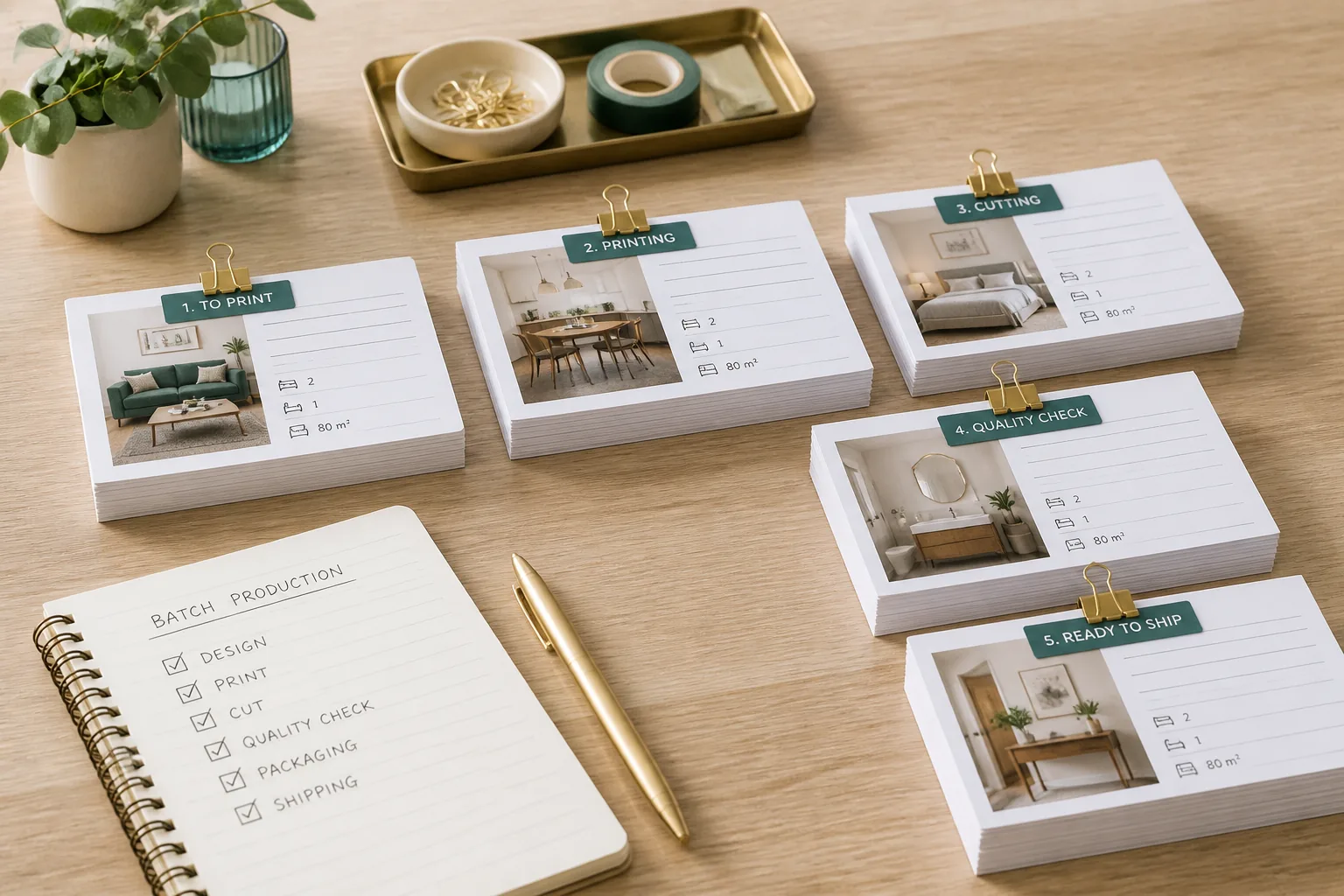
The slowest, most morale-draining part of running a digital Etsy shop isn’t designing products. It’s the upload grind: create listing, upload files, write the title, fill the tags, format the description, set the price, repeat. One listing at a time, for hours. It’s the step where momentum goes to die, and it’s the reason most sellers’ shops grow far slower than their ideas.
The fix isn’t to upload faster while doing the same things. It’s to restructure the whole flow so the repetitive parts get batched, the SEO-critical parts stay per-listing, and the manual clicking happens in one efficient pass instead of being smeared across every product.
Why One-at-a-Time Uploading Kills Momentum
Doing everything for one listing before starting the next feels orderly, but it’s the least efficient possible order. You constantly switch contexts (design brain, then file-export brain, then copywriting brain, then data-entry brain) and every switch costs focus and time. Worse, the boring final steps gate everything, so a single tedious upload session can stop you from creating the next ten products you were excited about.
The mental cost compounds. When “make a listing” means a 90-minute end-to-end slog, your brain quietly raises the bar for starting, and you list less often. Output drops not because you ran out of designs but because the per-listing friction is too high to face regularly.
Batching breaks the gate. By grouping like work together (all production, then all review, then all publishing) you stay in one mode at a time, move far faster through each, and never let the upload step block the creative step.
Separate Production From Publishing
The core principle of a batch upload strategy is simple: production and publishing are different jobs and should never be interleaved. Split your workflow into three distinct phases and do each in its own pass.
Phase 1: Batch-Create
Produce everything first. Generate or source all the artwork, build all the mockups, export all the print-ready files at 300 DPI, and draft all the listing copy for the entire batch, before you publish anything. Stay in production mode and knock out the whole set.
This is where automation earns the most. Elistit produces the artwork, mockups, 300 DPI files, and SEO listing copy from a one-sentence brief, and creates the Etsy draft for you. “Batch-create” becomes writing a stack of briefs and letting the drafts assemble, rather than building each listing by hand.
Phase 2: Batch-Review
Once everything is produced, switch to review mode and go through every listing as a quality gate (detailed below). One pass, critical eye, consistent standard.
Phase 3: Batch-Publish
Only now do you publish, on a schedule, staggered, not all at once (also below). By the time you reach this phase, the hard work is done and pushing listings live is quick and mechanical.
Keeping these three phases separate is what turns uploading from a soul-crushing grind into three short, focused sessions.
The Listing Template Approach
Templates are how you move fast without retyping the same things forever, but only if you template the right things. The distinction that matters: template the structure, write the substance fresh.
A reusable description scaffold per niche might lock in the sections every listing needs:
- A hook line introducing the design (written fresh each time)
- What’s included (file count, formats)
- Sizing and resolution details
- How to download and print
- Usage terms and licensing
- A short FAQ or care note
The skeleton stays constant; the design-specific lines change per listing. Same idea for tags: keep a framework of tag categories for the niche (style, color, subject, room or use case, format) and fill the specific tags per design. You’re not reinventing the format every time, just the content that has to be unique.
This is the practical middle path between “every listing from scratch” (too slow) and “copy-paste everything” (an SEO landmine).
What Can Be Templated vs What Must Be Unique
Get this boundary wrong and batch uploading quietly wrecks your SEO. Etsy, like every search engine, treats near-duplicate listings as low-quality and suppresses them. If twenty listings share the same title and description with only the image swapped, you’ve built twenty listings that compete with each other and rank poorly.
Safe to template (structure):
- Description section order and headings
- File-format and download instructions
- Usage and licensing terms
- Tag categories
- Pricing logic and policies
Must be unique (substance):
- The title: every listing needs its own keyword-led title matching real search intent for that specific design
- The first lines of the description, where the hook and primary keywords live
- The specific tags: the actual keyword phrases, not just the categories
- Any copy describing the particular design, style, or theme
The rule of thumb: anything a buyer would search for, or that describes what makes this listing different, must be written per listing. Anything that’s just operational plumbing can be a reusable scaffold.
The Quality Checkpoint Before Publishing
Speed without a quality gate produces fast garbage. The review phase is what makes batch uploading safe, and it has to be a deliberate, separate step, not something you eyeball while clicking publish.
For each listing in the batch, run a consistent checklist:
- Artwork: does it meet your bar? No artifacts, no off-brand results, right composition.
- Mockups: flattering, accurate, showing the product in context?
- Files: correct dimensions, 300 DPI, complete?
- Title: keyword-led, readable, unique, matches what the design actually is?
- Tags: all slots used, specific, no lazy repeats of the title?
- Description: hook fresh, details correct, scaffold filled in properly?
Doing this as one focused pass over the whole batch is far more reliable than judging each listing in isolation during creation, because you can compare across the set and hold a consistent standard. For a fuller version of this gate, see the pre-listing SEO checklist.
Stagger Your Publish Times
When the batch is reviewed and ready, resist the urge to publish all of it in one click. Stagger it.
Etsy gives newly published listings a temporary freshness boost in search. If you dump 40 listings at once, you spend all 40 freshness boosts on the same day, then go quiet. Spread those same 40 listings across two or three weeks and you get a steady drip of freshness boosts. Your shop looks consistently active, and you’re feeding the algorithm new signal continuously instead of in one fading spike.
Staggering has two more benefits. It spreads your review load so the quality gate never becomes a crushing single session, and it gives you time to read early performance on the first listings before the rest go live, letting you adjust later batches based on what’s working.
Practically: produce and review in big batches, then meter publishing out on a schedule (say five to ten listings a day). You keep the efficiency of batch production with the visibility advantage of a steady publishing rhythm. For more on the publishing side specifically, see publishing Etsy listings faster.
Keep SEO Per-Listing Even at Volume
The fear behind every batch-upload question is the same: won’t moving fast wreck my SEO? It won’t, as long as each listing keeps its own intent-matched title, tags, and description. Volume and SEO only conflict when you cut the per-listing corner and start duplicating copy to save time.
The whole strategy here exists to make that corner unnecessary. By templating only the structural plumbing and keeping the searchable substance unique, you get the speed of batch production without the duplicate-content penalty. Automated listing copy helps here too: when titles, tags, and descriptions are generated per design rather than copied, every listing arrives volume-ready and SEO-ready by default.
For the underlying keyword principles that every one of those per-listing titles and tags should follow, see our guide to Etsy SEO. Batch your production, batch your review, stagger your publishing. Never let any of those steps borrow another listing’s keywords.
Quick questions
Quickly answered.
Q.01Can you batch upload products to Etsy?
Etsy doesn't offer a true native bulk-upload tool for creating listings, so each listing is created individually in the dashboard. But you can batch the work around that step: batch-produce all your artwork, mockups, files, and copy first, batch-review them, then move through the create flow in one focused session. Tools that push ready-made drafts straight into your shop remove most of the manual creation time.
Q.02Does batch uploading hurt your Etsy SEO?
Not if each listing keeps unique, intent-matched titles, tags, and descriptions. SEO is harmed by duplicate content (copy-pasting the same title and description across many listings), not by uploading quickly. Batching production and using per-listing copy lets you upload fast while every listing still targets its own keywords.
Q.03Should I publish all my Etsy listings at once or stagger them?
Stagger them. Etsy gives fresh listings a temporary visibility boost, so spreading publishing across days or weeks gives you a steady stream of freshness boosts instead of one spike that fades. Staggering also spreads your manual review load and avoids flooding your own followers' feeds with a single dump.
Q.04What parts of an Etsy listing can be templated?
Structure can be templated; substance must be unique. Reusable scaffolds for description sections (what's included, file formats, sizing, usage terms, how to download) and tag frameworks save time safely. The hooks (the title, the opening lines, the specific keywords and design details) must be written per listing so you don't trip duplicate-content issues or bore buyers.
Q.05How do I keep listing quality high when uploading in bulk?
Insert a dedicated review checkpoint between production and publishing. Batch-create everything, then review every listing as its own gate: check the artwork, the mockups, the title, tags, and description before it goes live. Separating the review step from both creation and publishing is what lets you move at volume without quality slipping through.
Keep going.
How to Create and Sell Clipart Bundles on Etsy
How to create cohesive, profitable Etsy clipart bundles: sizing, themes, file organization, pricing, and the workflow that keeps sets consistent.
How Many Listings Should You Have on Etsy? The Math Behind Shop Size
There's a real relationship between listing count and sales on Etsy, but it's not linear. How many listings you actually need at each stage, and why.
How to Create Clipart Bundles with AI
Describe a theme, generate 10 to 25 cohesive images, and get a complete Etsy clipart bundle with a draft listing to review.
How to Sell Digital Downloads on Etsy: Beginner's Guide
Everything you need to start selling digital downloads on Etsy: setting up your shop, creating products, and writing listings that convert.